Pilot geofencing at a warehouse
Run a controlled warehouse geofence test with blueprint delivery, report-based occupancy, recorded events and separate notification checks.
Use a small company-device pilot to evaluate a warehouse boundary for handoff or response work. Verify geometry, effective device coverage, recorded activity and any required notification separately. A circle does not establish all four.
Prepare the test sheet and responsibilities
Choose an approved company tablet, a test Blueprint and a site where the movement can be conducted safely. Verify the device identifier, ownership, action eligibility and reporting configuration. A group name can help identify the tablets, but the V2 assignment workflow uses Blueprints; check effective coverage rather than assuming every device in a visible group receives the boundary.
Agree who coordinates movement, who checks the product, who receives any notification, and who owns exceptions. Limit collected and shared location detail to this test.
| Test-sheet field | Record before or during the test |
|---|---|
| Device and population | Stable identifier, platform/enrollment and intended Blueprint targets |
| Boundary | Name, center, radius and entry/exit preferences |
| Configuration | Relevant tracking and alert settings, plus saved assignment |
| Starting observation | Recorded position time, time zone, accuracy and intended inside/outside state |
| Movement | Actual coordinated test time and direction |
| Product result | Request/receipt evidence if used, event identity/time/location, and unresolved conditions |
| Notification | Independent submission/delivery observation where required |
Place and size the boundary
Open Geofences → Create geofence and complete Place and size. Find the intended site using the available search or map controls, inspect the coordinates, enter a descriptive name and set a radius accepted by the form.
Choose clearly separated inside and outside test points. Consider reported accuracy before selecting a narrow radius. A valid radius around the wrong center is still the wrong test. Use my location refers to the administrator's browser location; it is not a request to locate the managed tablet.
Review the entry and exit choices needed for the pilot. Test both directions only when both are part of the operational requirement. Keep the geometry stable so an unexpected result can be investigated against a known configuration.
Assign, review and verify the saved configuration
In Assign, choose the approved Blueprint and inspect its target population. Read availability explanations, Partly off indicators and choices that cannot receive geofences. A reach summary is not proof that every listed device is reporting.
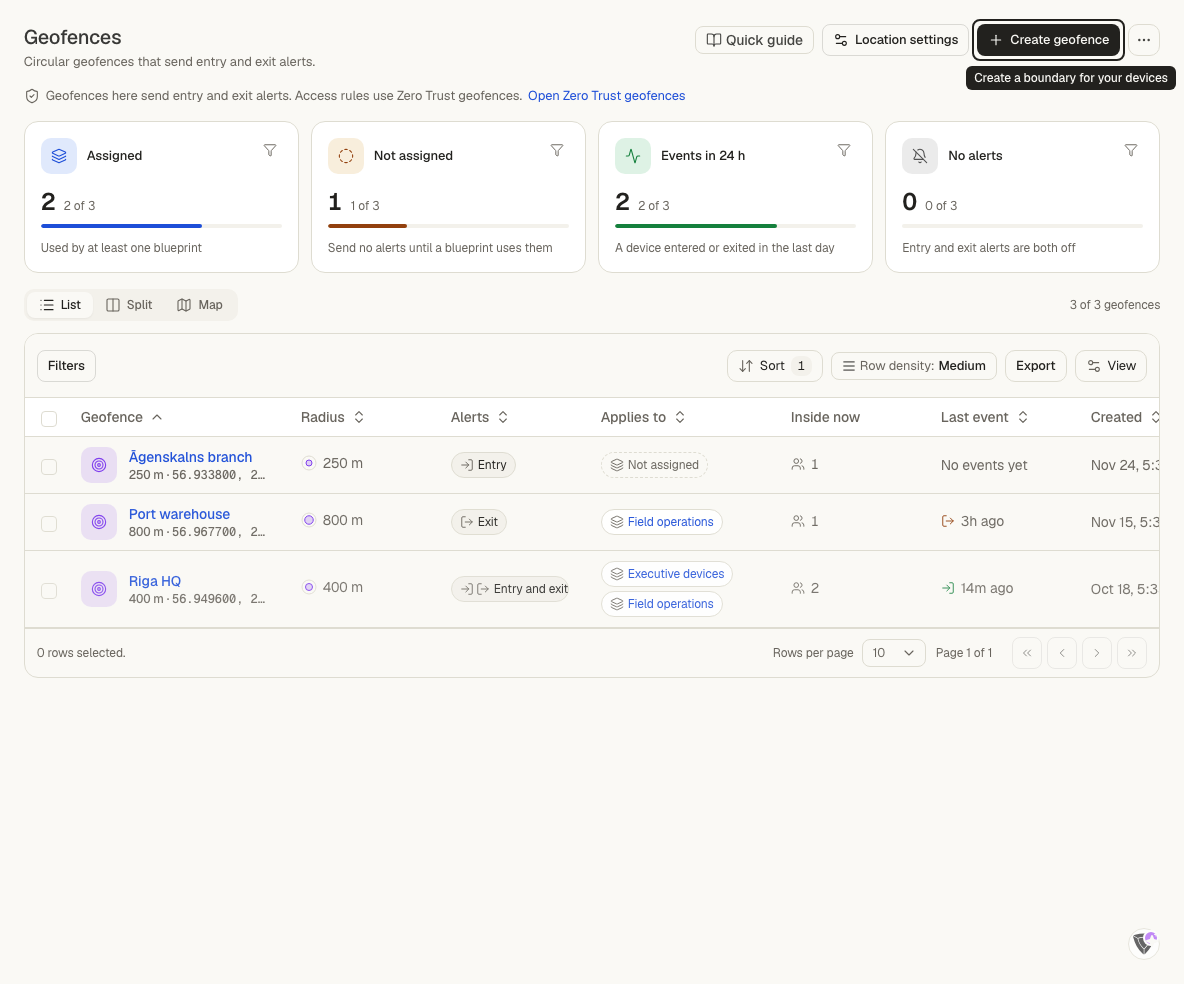
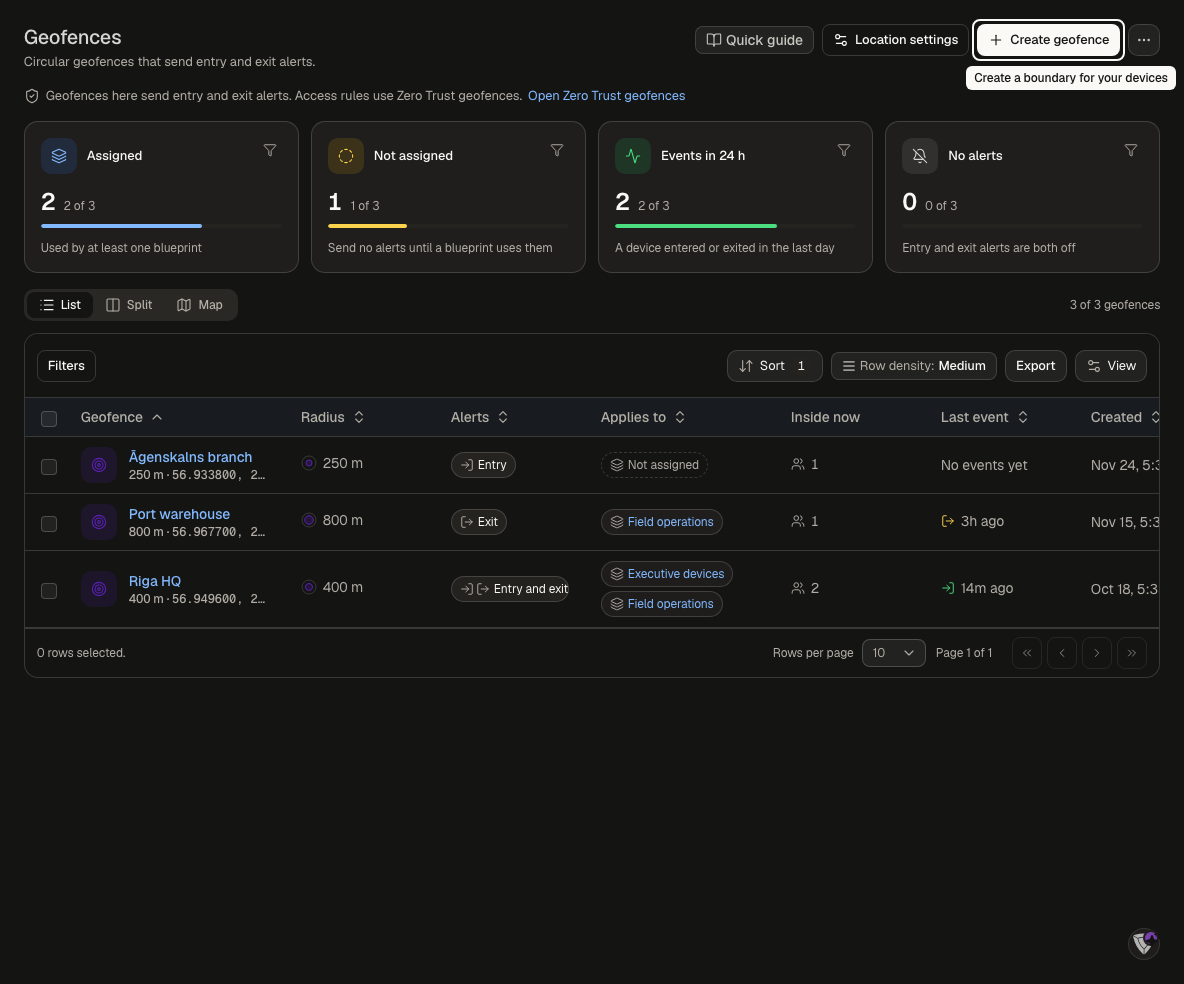
In Review, check the name, center, radius, alert preferences and Applies to summary together. Correct errors before creation. After saving, reopen the boundary and inspect Assignment, the linked Blueprint, and its effective device coverage.
If the boundary is Not assigned, resolve that condition before treating movement as an end-to-end alert test. Do not use a historical event to validate a newly saved assignment or changed circle.
Run the movement and inspect the right observation
Check the tablet's starting position and recorded time. Coordinate the safe crossing, retain the actual movement time, and inspect the relevant reporting and event evidence afterward.
The Inside now, by last report section calculates membership from the latest available position. It is not a count of crossings or proof of current physical presence. A device with no usable position is not established as outside merely because it is absent from an inside list.
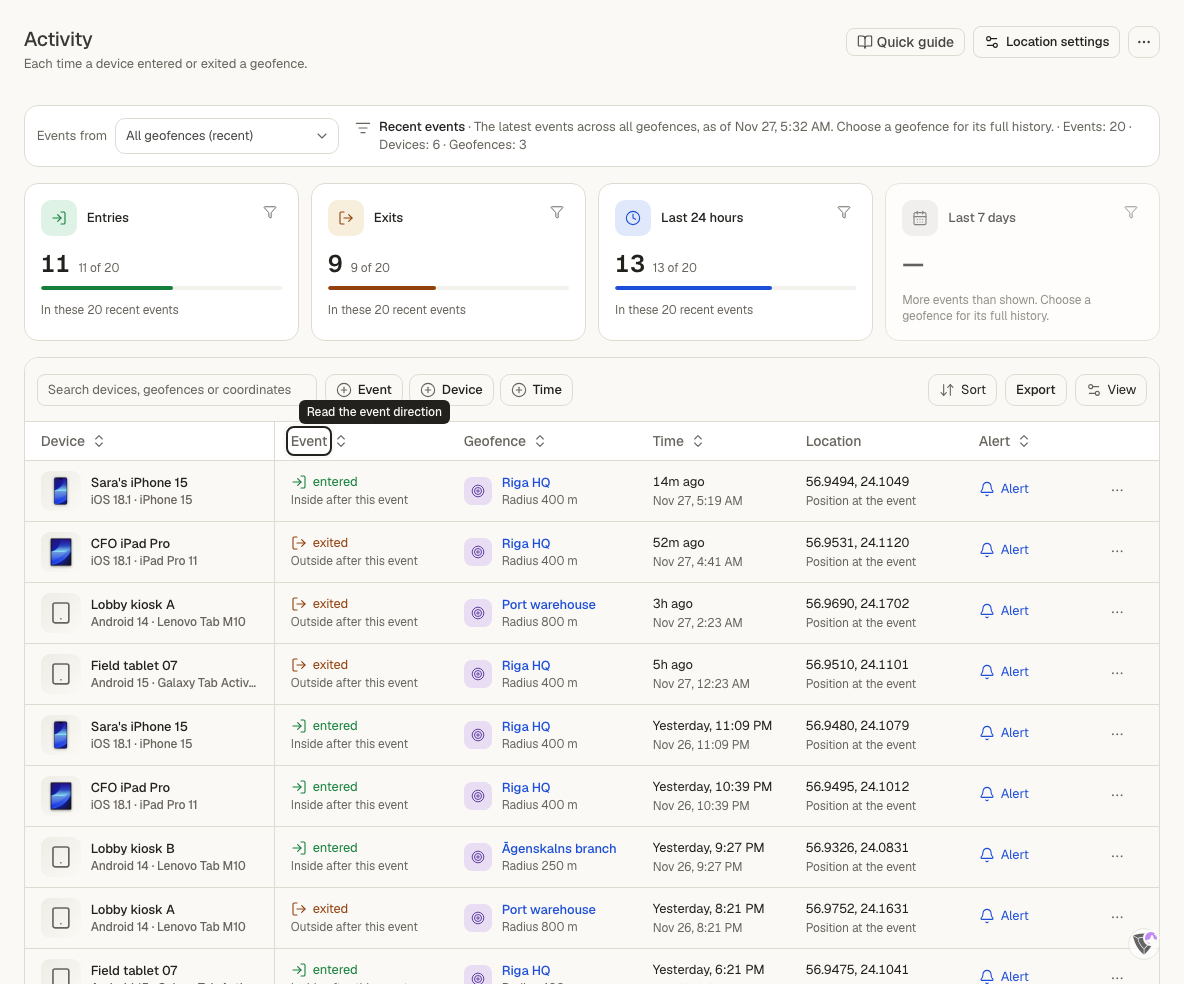
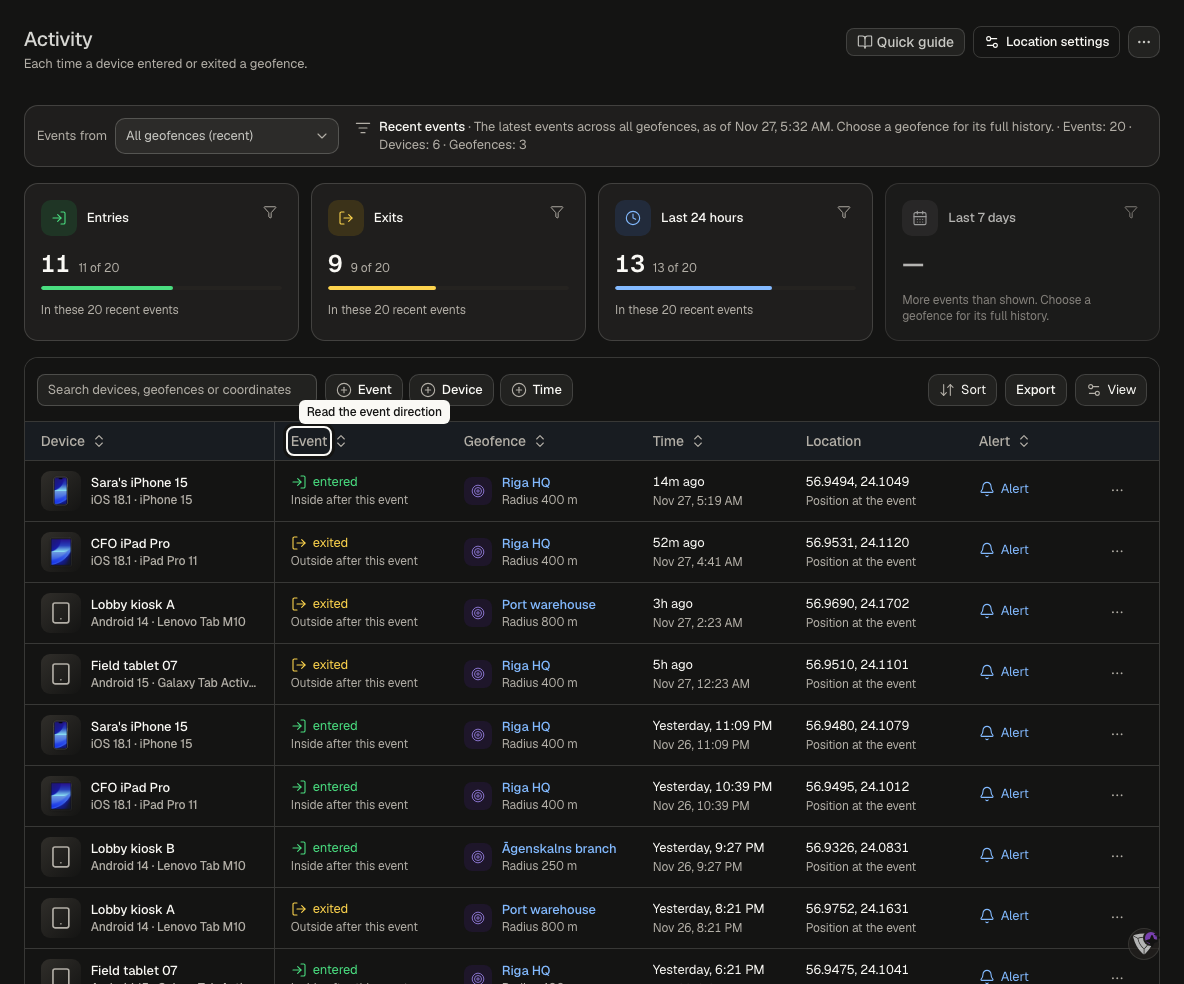
In Activity or the boundary's Events, match the device, fence, direction and recorded event time. Keep the event location distinct from a later device position. The recent aggregate view is a triage scope, not automatically the complete history for the selected fence.
If you issue Locate now, distinguish request acceptance or answer, report receipt and the stored position. Nearby repeated observations may be combined without another history row; an unchanged position time alone does not prove the device failed to answer.
Diagnose before changing the test
No event calls for checking effective assignment, device eligibility, reporting, starting and ending observations, and accuracy. An unexpected direction calls for checking the selected device, boundary and event time. A map-rendering failure calls for using readable coordinates and lists while investigating that rendering issue.
When an event exists but a notification is missing, review global Geofence alerts, the fence's entry/exit preferences and the actual notification path. A stored event, notification submission and recipient delivery are separate outcomes. Do not generate more events to conceal a delivery problem.
Accept, retain or clean up
Accept the tested workflow only when its required observations are present and reproducible: retained configuration, effective coverage, the expected event for the correct test, and independently checked delivery if required. Mark unproven stages explicitly and assign their next owner.
Repeat the reverse direction if required. Follow the environment procedure to retain or remove the test boundary, restore temporary settings, and verify the result. Keep boundary deletion, future collection and exported-evidence disposal separate in the closeout record.